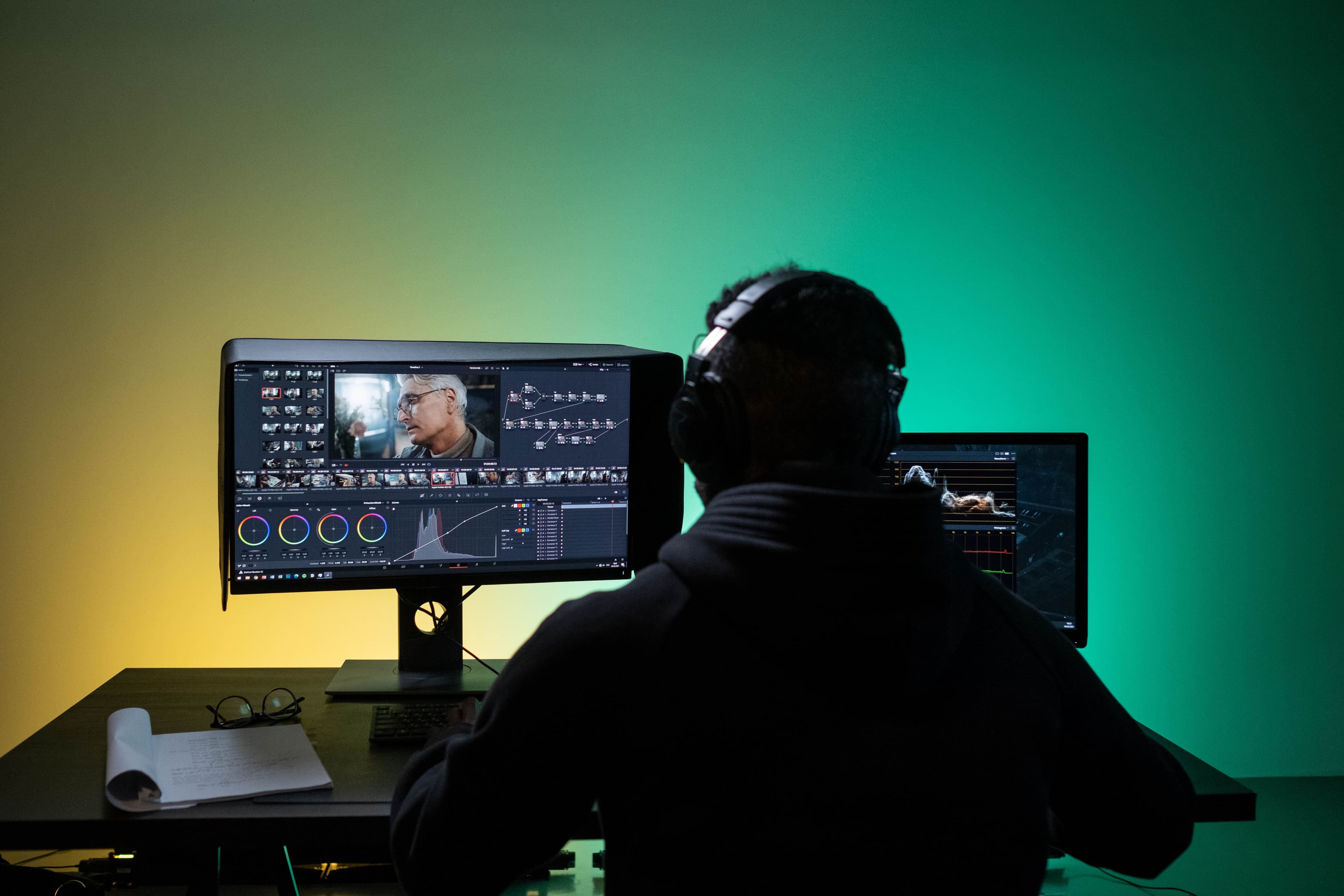
Run your video business from one place — not multiple tools.

From your first quote to the final video delivery, Kollabhouse allows you to manage the entire client workflow for video projects in one platform.

Start Free TrialExplore the Live Demo
Creative Studios
Film Productions
Video Agency
Brand Studios
Videographers
Editors
Creative Studios
Film Productions
Video Agency
Brand Studios
Videographers
Editors

Tired of juggling multiple tools just to manage a single client?

Most videographers are stuck bouncing between Slack, Trello, Docusign, Google Drive, Stripe, and Frame.io just to keep one project on track. Kollabhouse pulls it all into one clean workspace — built for video creators — so proposals, feedback, and payments finally live in the same place.

S
T
G
$
DS
F

Creative work shouldn't feel like project management.

Sending PDFs for signatures

Chasing clients for approvals

Sharing drafts with messy Google Drive links

Clients giving feedback by email / WhatsApp

Version control hell

Getting ghosted for payment

Trying to look professional using duct-taped tools

Coordinating schedules across multiple calendars

Kollabhouse replaces all of that.

Everything you need, nothing you don't.

Personal Dashboard

Centralized workspace for all your projects

Proposals

Create and send professional proposals

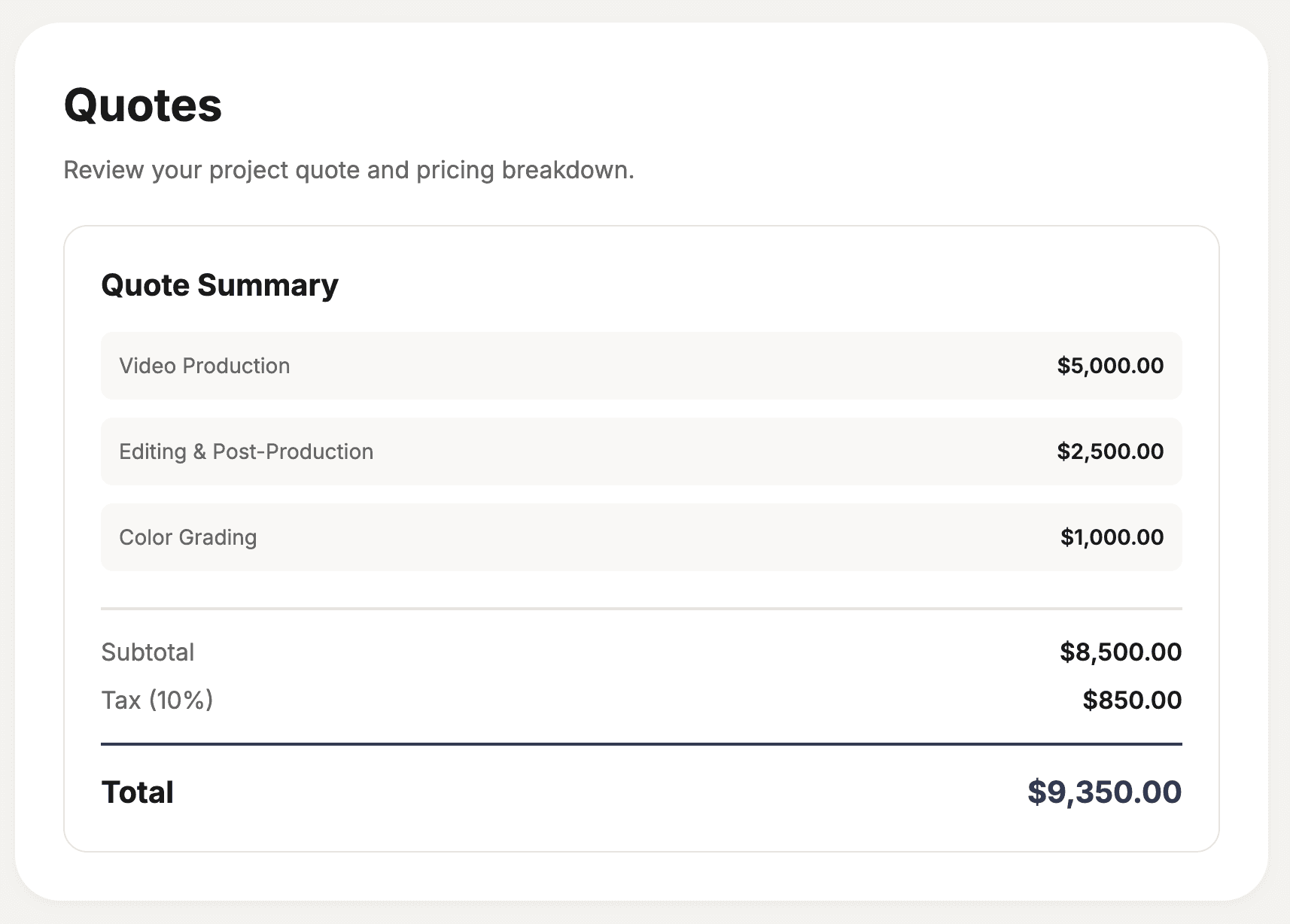
Quotes

Create and send quotes right from a project - ideal when you do not need a full proposal

Team collaboration

Invite admins, members, and viewers so everyone can work on the same projects in one workspace

Impressive Client Portals

Branded client portals for each project (custom branding on Studio)

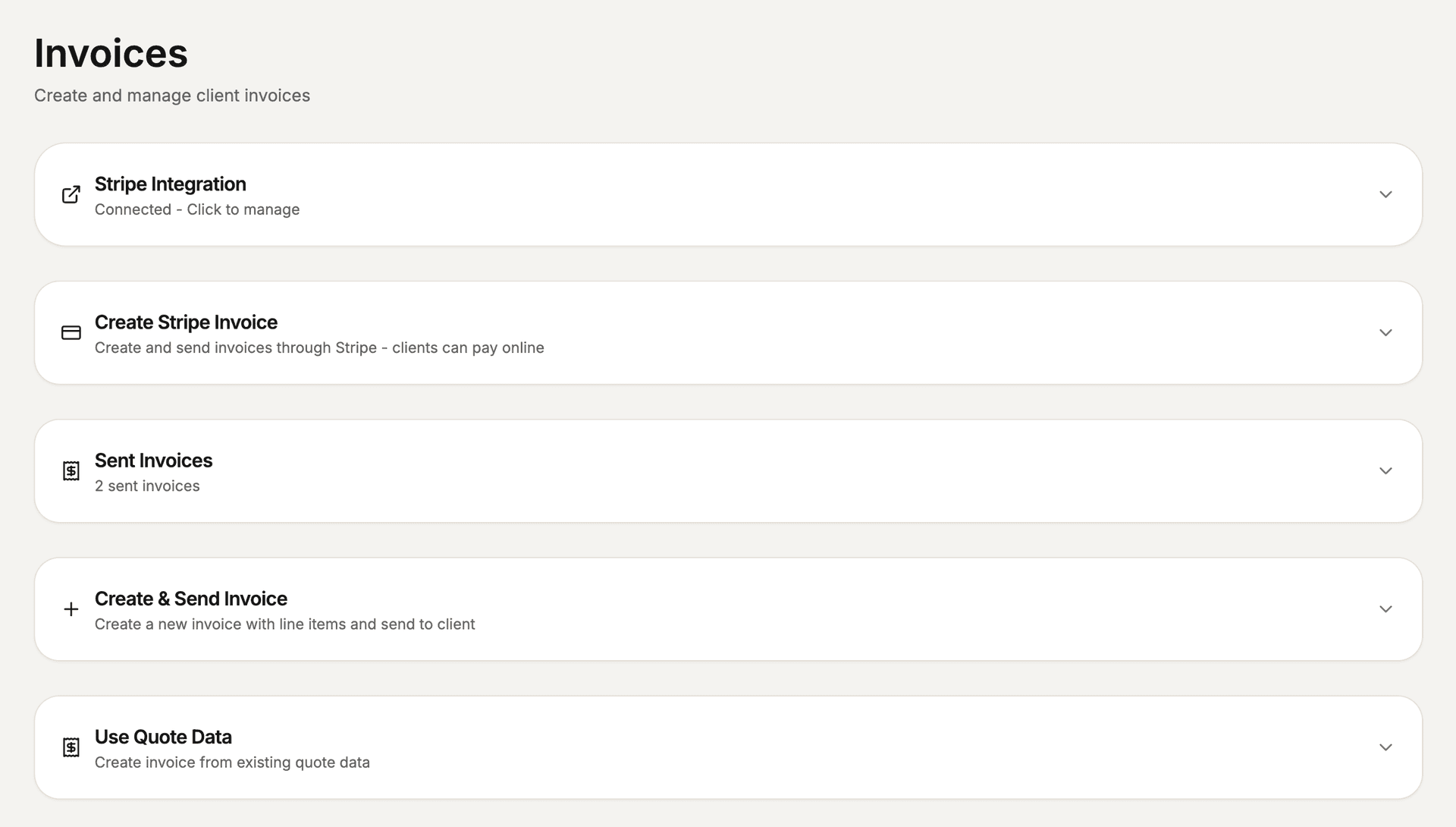
Invoicing

Streamlined invoicing and payment tracking

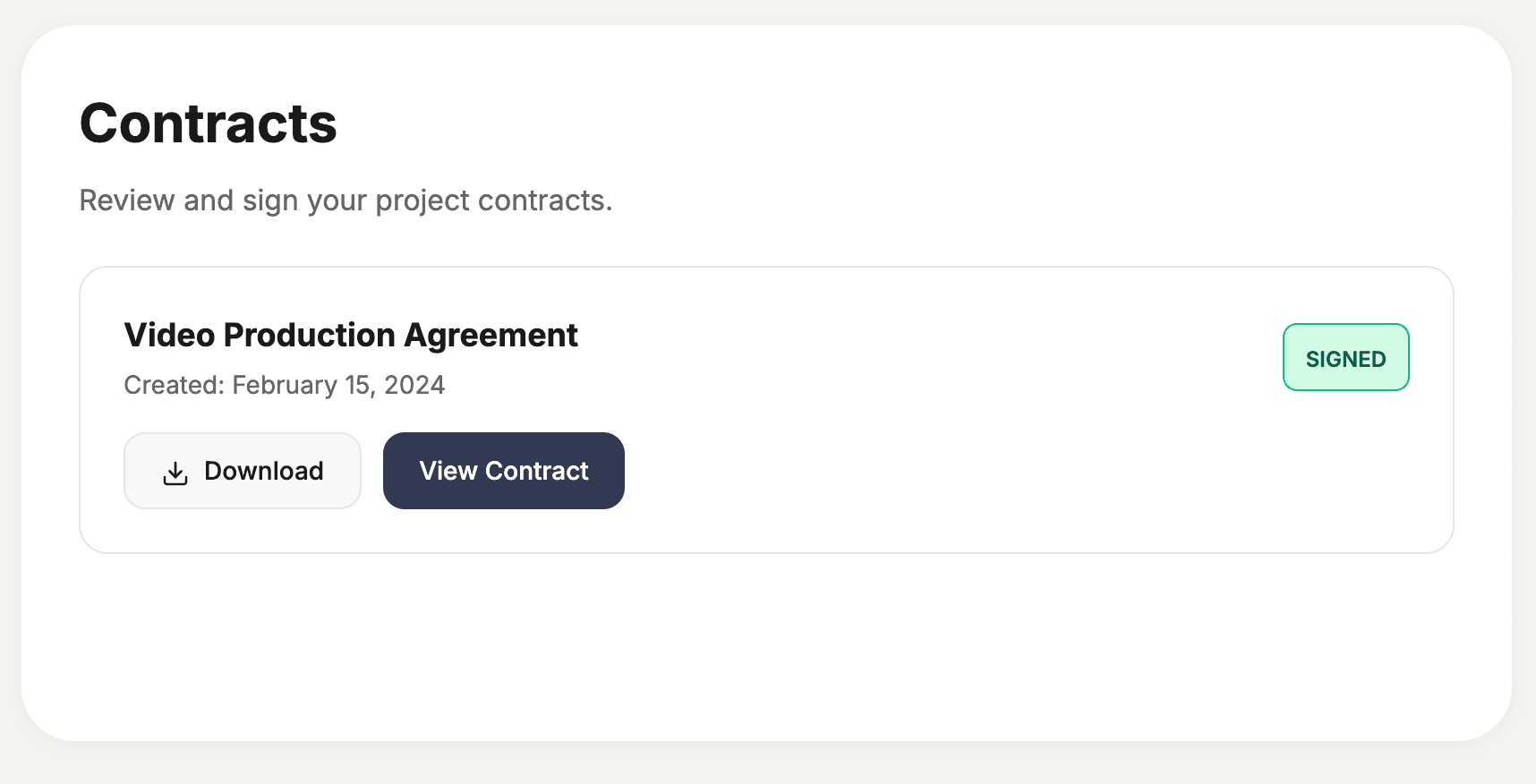
Contracts

Digital contracts with e-signatures

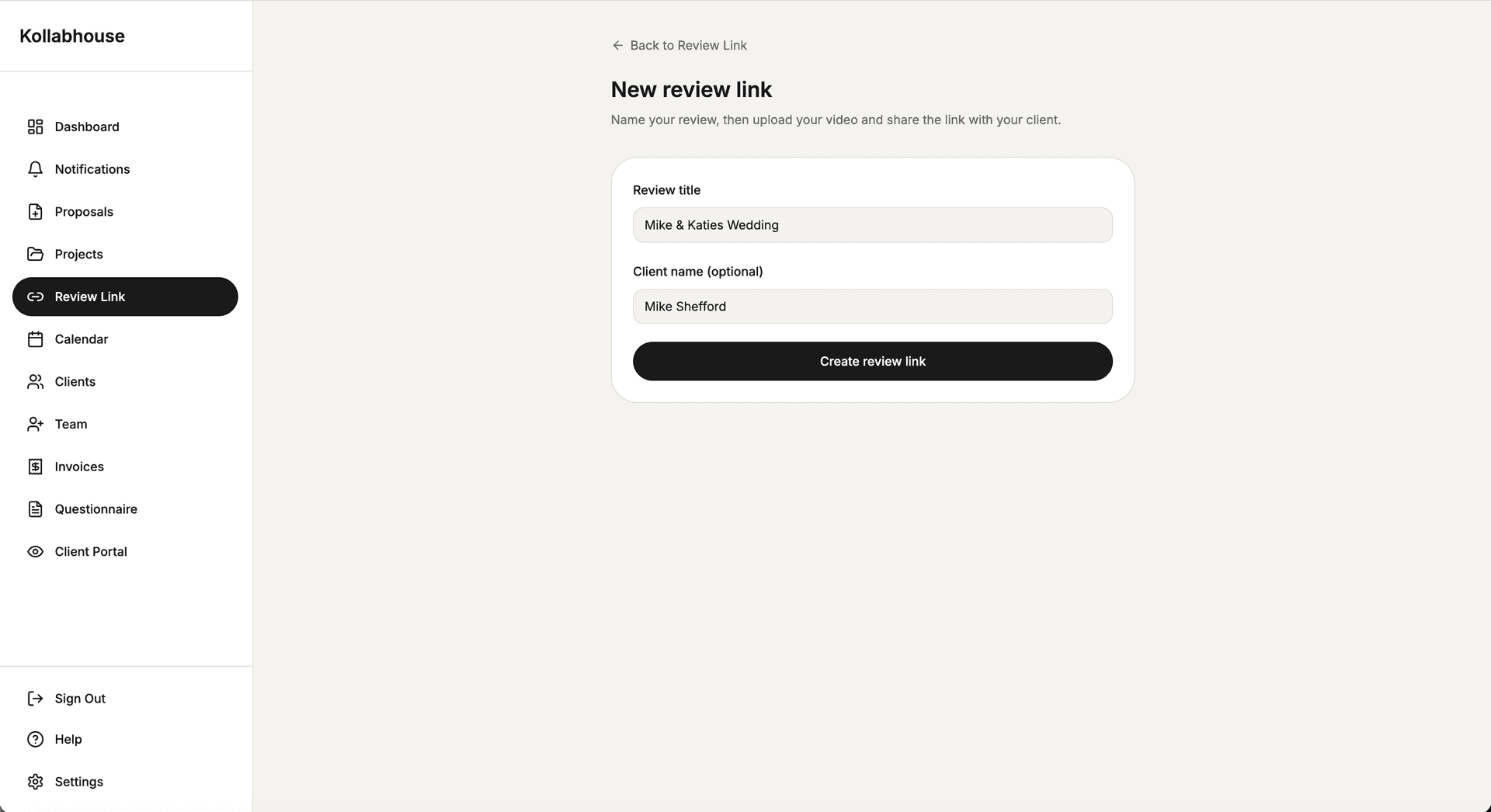
Video Review Tool

Timestamp comments and annotations

Messaging

Built-in messaging for client communication

Asset & Branding Uploads

Organized asset management

Custom Project Questionnaires

Gather client requirements easily

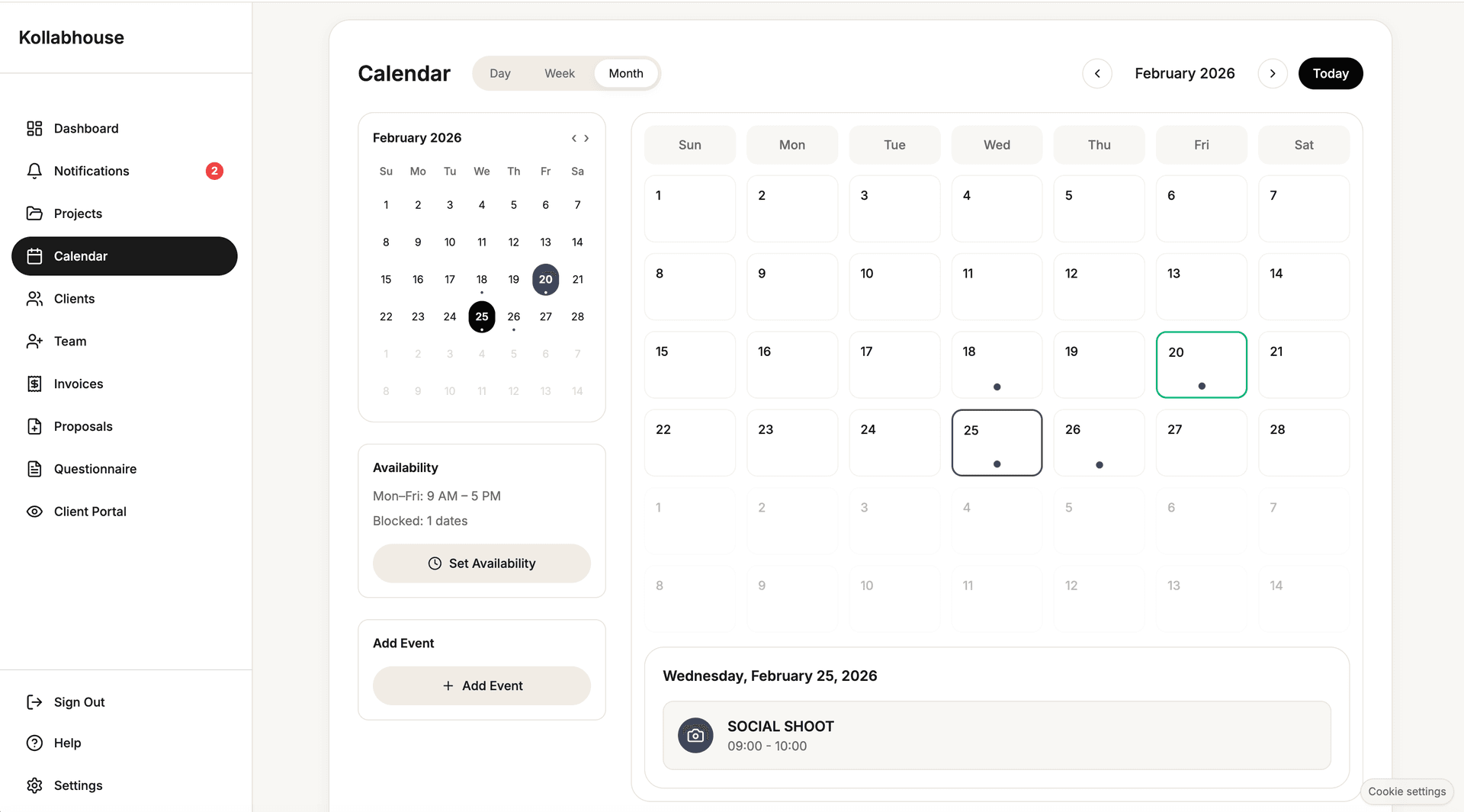
Calendar & Scheduling

Manage availability and bookings

So how does Kollabhouse actually work

Step 1

Send a Proposal

Create and send a professional proposal in minutes.

Step 2

Client Accepts → Portal Created Automatically

As soon as they accept, a project and client portal are created instantly.

Step 3

Manage the Entire Project in One Place

  • Client uploads assets
  • Timeline keeps everyone aligned
  • Built-in messaging
  • Video review & approvals

Step 4

Get Paid & Deliver

Approve, invoice, and deliver final files without leaving the platform.

How Videographers Actually Run Projects Today

See how Kollabhouse compares to the tools you're using today. One platform replaces them all.

Full Support
Limited / Partial
Not Supported
File storage & delivery
Google Drive
Full
Frame.io
review-focused
DocuSign
Invoicing Tools
Email & DMs
Kollabhouse
Full
Video feedback & annotations
Google Drive
Frame.io
Full
DocuSign
Invoicing Tools
Email & DMs
messy
Kollabhouse
Full
Proposals & quotes
Google Drive
Frame.io
DocuSign
Invoicing Tools
Limited
Email & DMs
Limited
Kollabhouse
Full
Contracts & approvals
Google Drive
Frame.io
DocuSign
Full
Invoicing Tools
Email & DMs
Limited
Kollabhouse
Full
Client portal (single link)
Google Drive
Frame.io
Limited
DocuSign
Invoicing Tools
Email & DMs
Kollabhouse
Full
Project timelines & status
Google Drive
Frame.io
DocuSign
Invoicing Tools
Email & DMs
Kollabhouse
Full
Version control & approvals
Google Drive
Limited
Frame.io
Full
DocuSign
Invoicing Tools
Email & DMs
Kollabhouse
Full
Invoices & payments
Google Drive
Frame.io
DocuSign
Invoicing Tools
Full
Email & DMs
Kollabhouse
Full
Client communication
Google Drive
Frame.io
Limited
DocuSign
Invoicing Tools
Email & DMs
Limited
Kollabhouse
Full
Built specifically for videographers
Google Drive
Frame.io
Limited
DocuSign
Invoicing Tools
Email & DMs
Kollabhouse
Full

Flexible pricing

Free trial

Get started with no commitment, test the full project flow

Features:

  • Full pro features
  • 10 GB Storage
  • Free forever
  • 1 project
  • No credit card required
No credit card required
Most Popular

Pro

For solo creators, freelancers and independents

$29 / mo
Get Started

Features:

  • Unlimited projects
  • Unlimited clients
  • Proposals & contracts
  • Invoices & payments
  • Video review & comments
  • Deliverable approvals
  • Version control
  • Client portal
  • Email notifications
  • All core features
500 GB active storage included

Studio

For studios, agencies & creative teams

$79 / mo
Start Studio

Features:

  • Everything in Pro
  • Invite up to 5 team members
  • Team roles & permissions
  • Custom client portal branding
1 TB active storage included

Everything you need to run a video project — in one client portal.

Proposals, onboarding, timelines, messaging, video review and delivery — without juggling multiple tools.

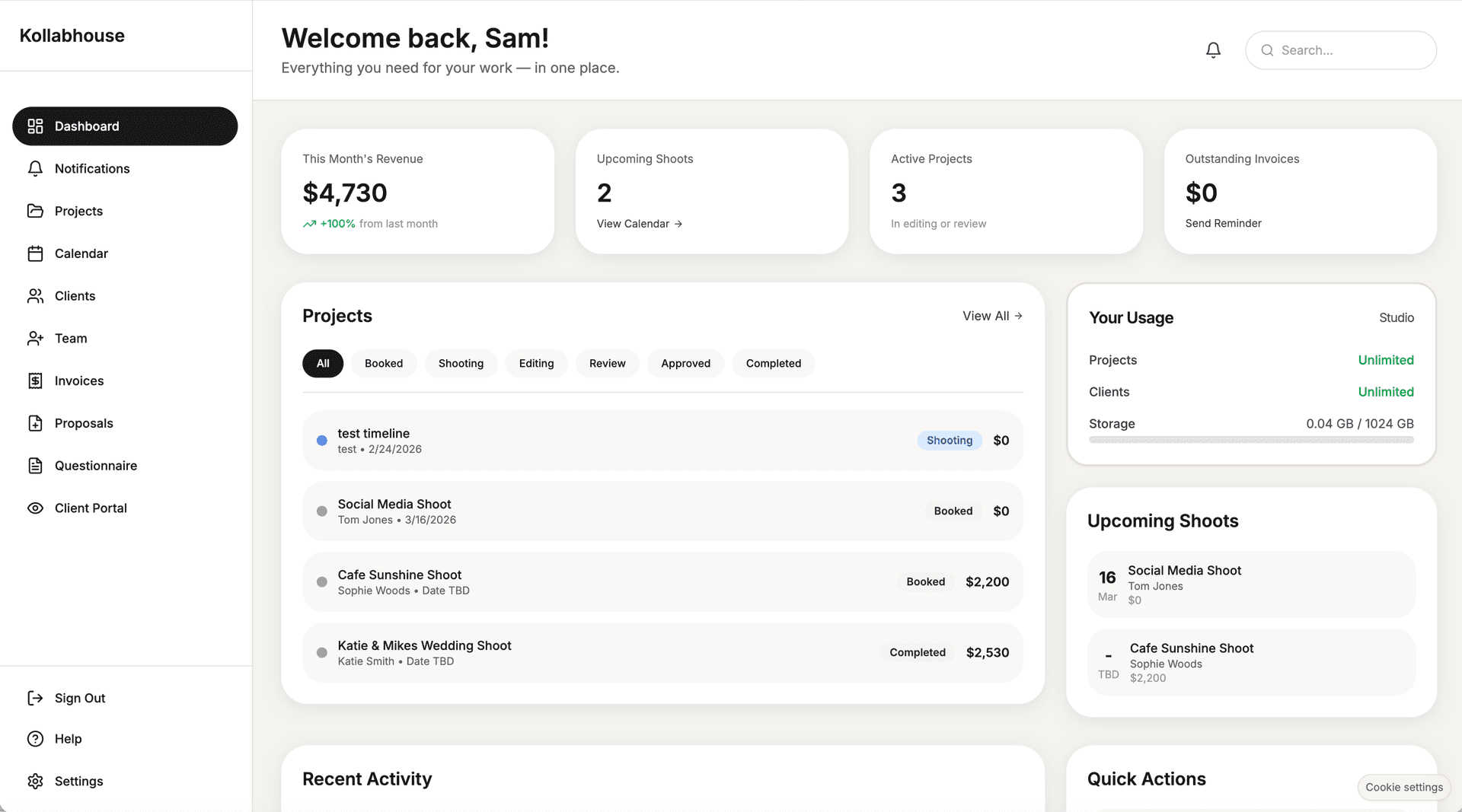
Your Dashboard

Your central hub for all projects and clients. See everything at a glance, jump into any project, and manage your workflow from one place.

  • Dashboard view of all active projects
  • Quick access to clients, timelines, and messages
  • One place to run your business

Best for: staying on top of all your projects

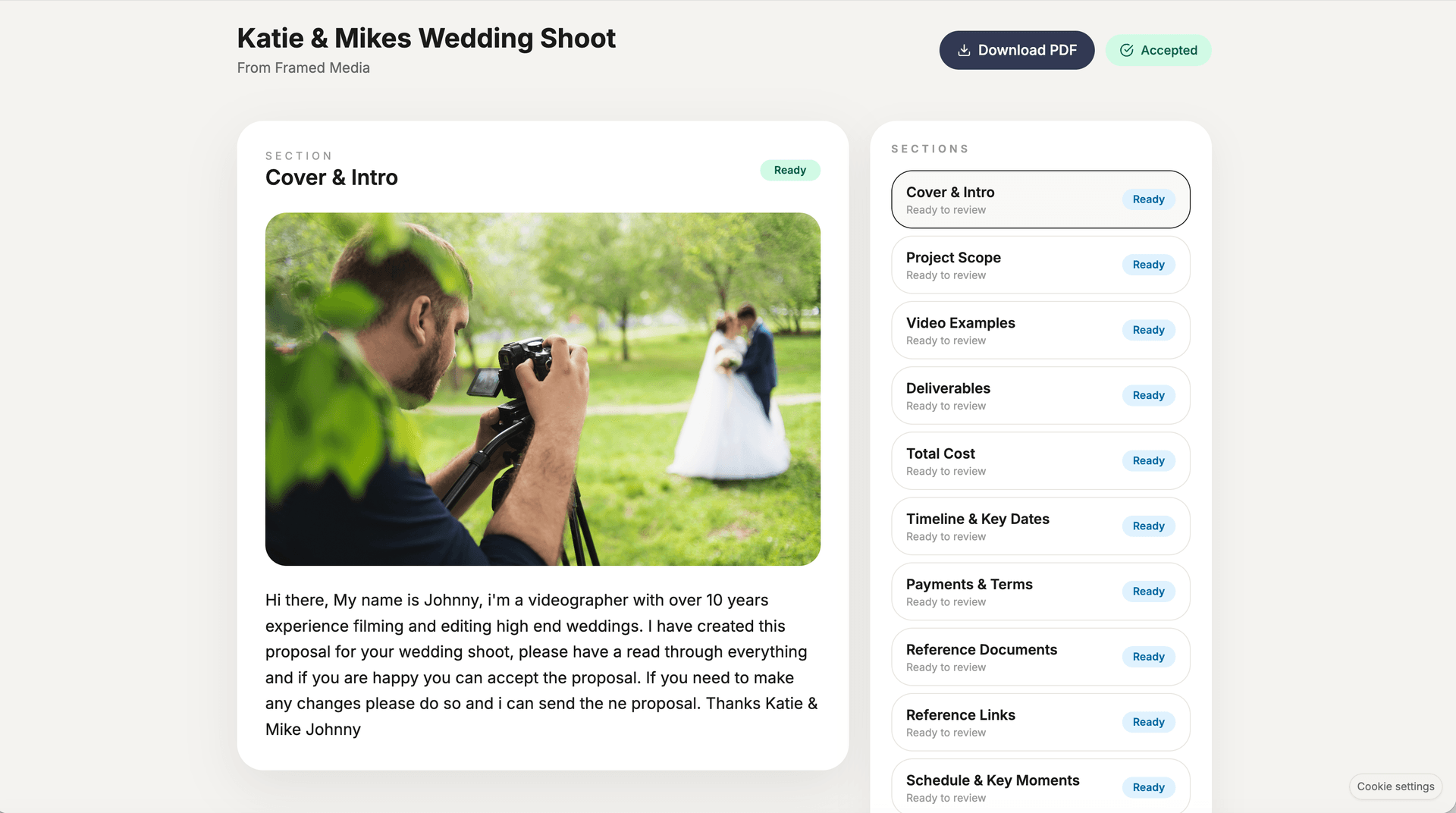
Proposal Builder

Create clear, professional proposals with scope, deliverables, and pricing. Clients accept with one click and a project is created automatically.

  • Less chasing; approvals happen in the portal
  • Scope and terms live in one place
  • Repeat clients can be invited back to the same portal

Best for: winning work without the email ping-pong

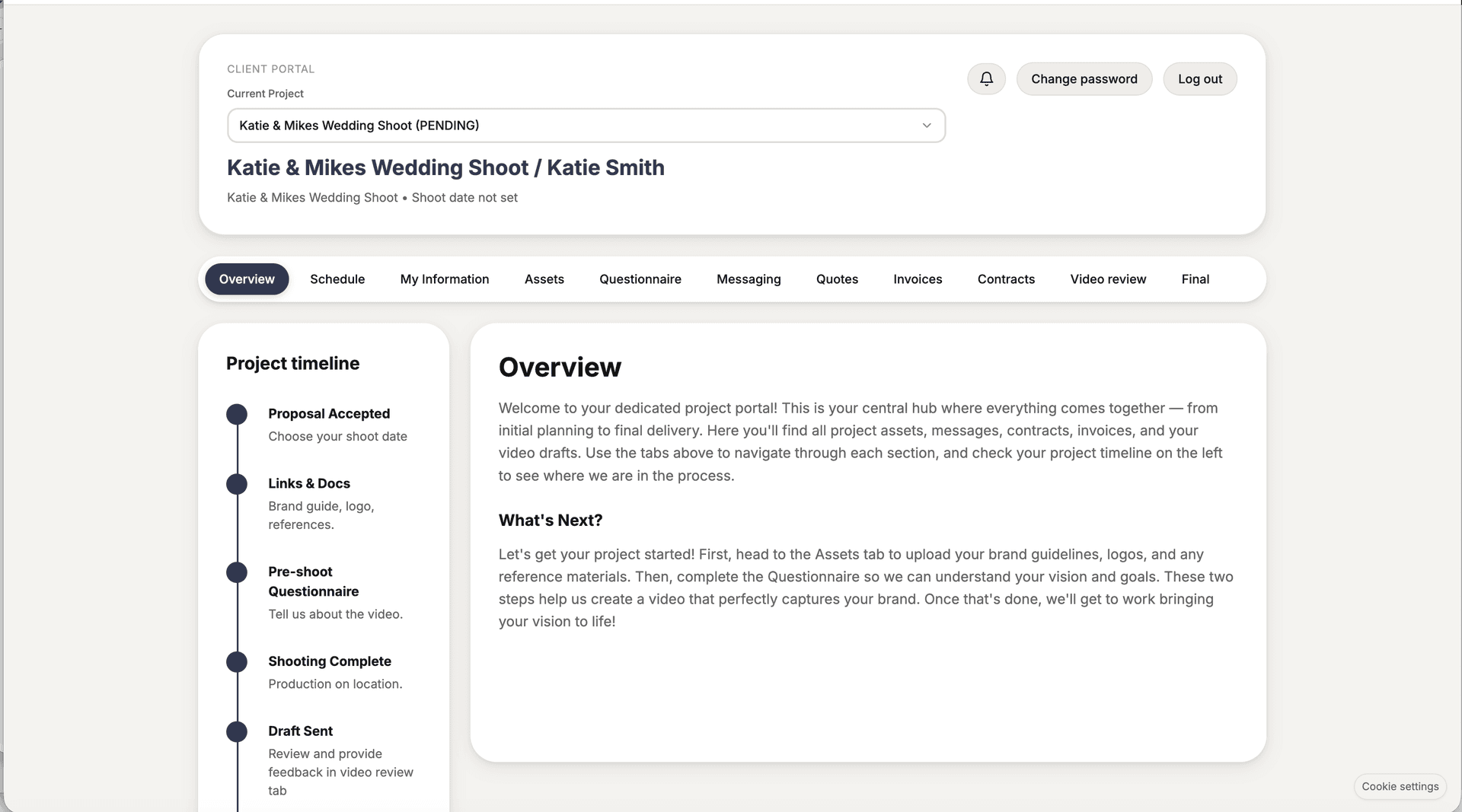
Client Portal

Clients see one clean place: their project. They upload assets, complete the questionnaire, and see exactly what’s next on the timeline.

  • No account required for clients
  • All project steps and files in one link
  • Clear progress so clients stay aligned

Best for: keeping clients organised and informed

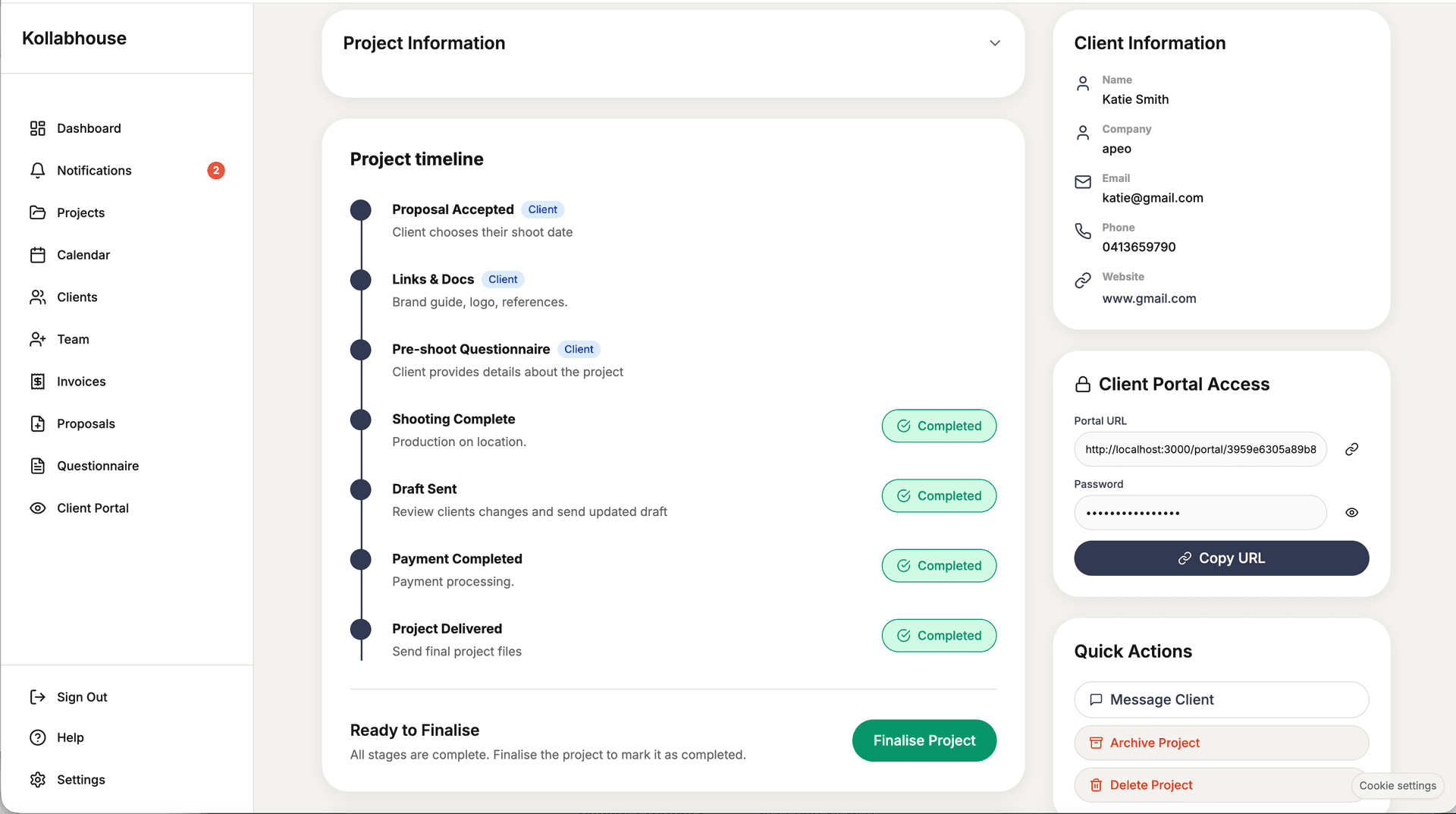
Project Timeline

A single timeline shows the full workflow. Client steps and your steps are visible to everyone, and completion moves the project forward.

  • End-to-end visibility for you and the client
  • Mark stages complete to show progress instantly
  • Fewer "what’s the status?" questions

Best for: visibility and fewer status updates

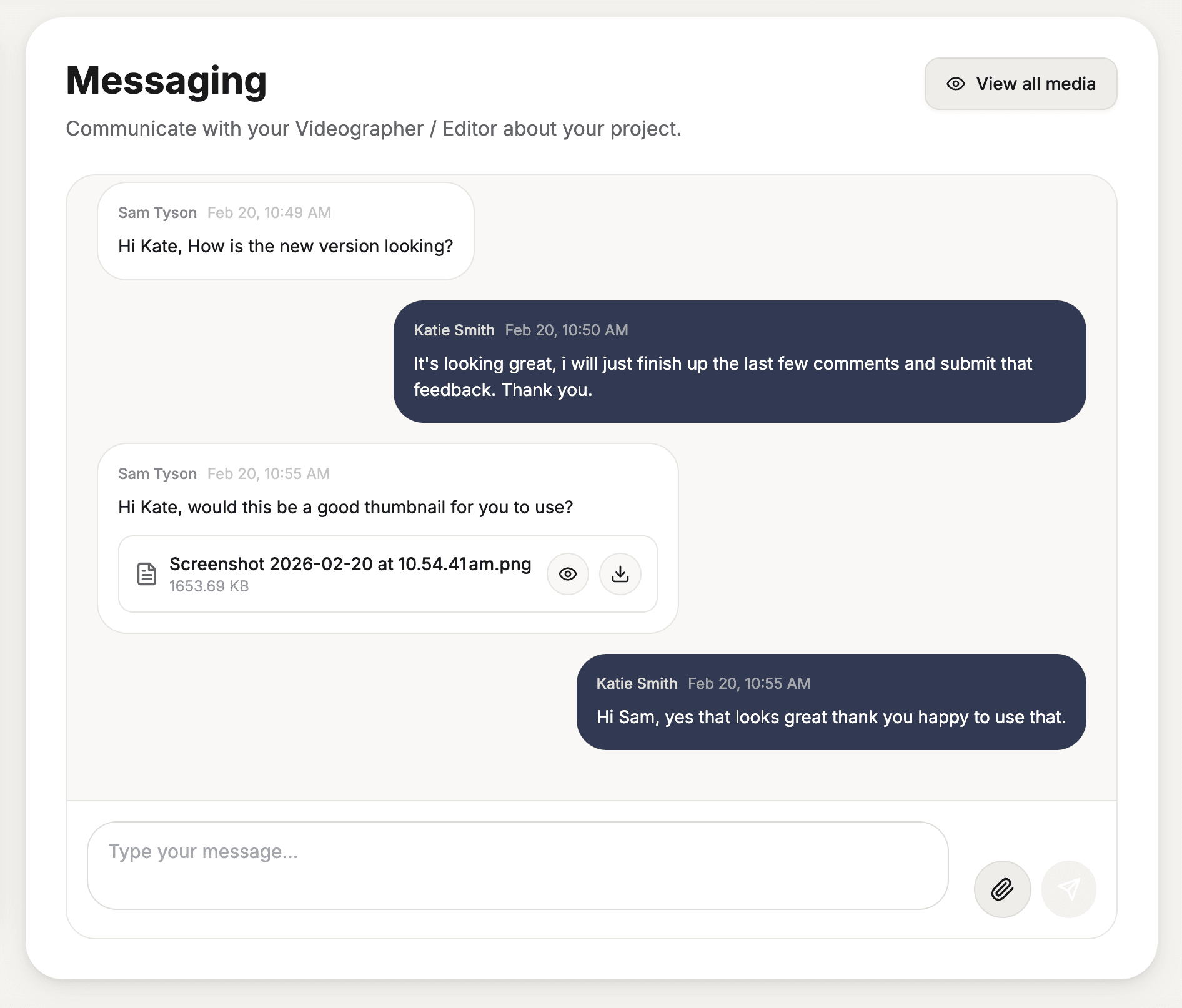
Messaging

Project messaging keeps every conversation in one thread. No more digging through email or losing feedback in a long chain.

  • One thread per project
  • Feedback and approvals stay with the project
  • Less email, more clarity

Best for: keeping communication in one place

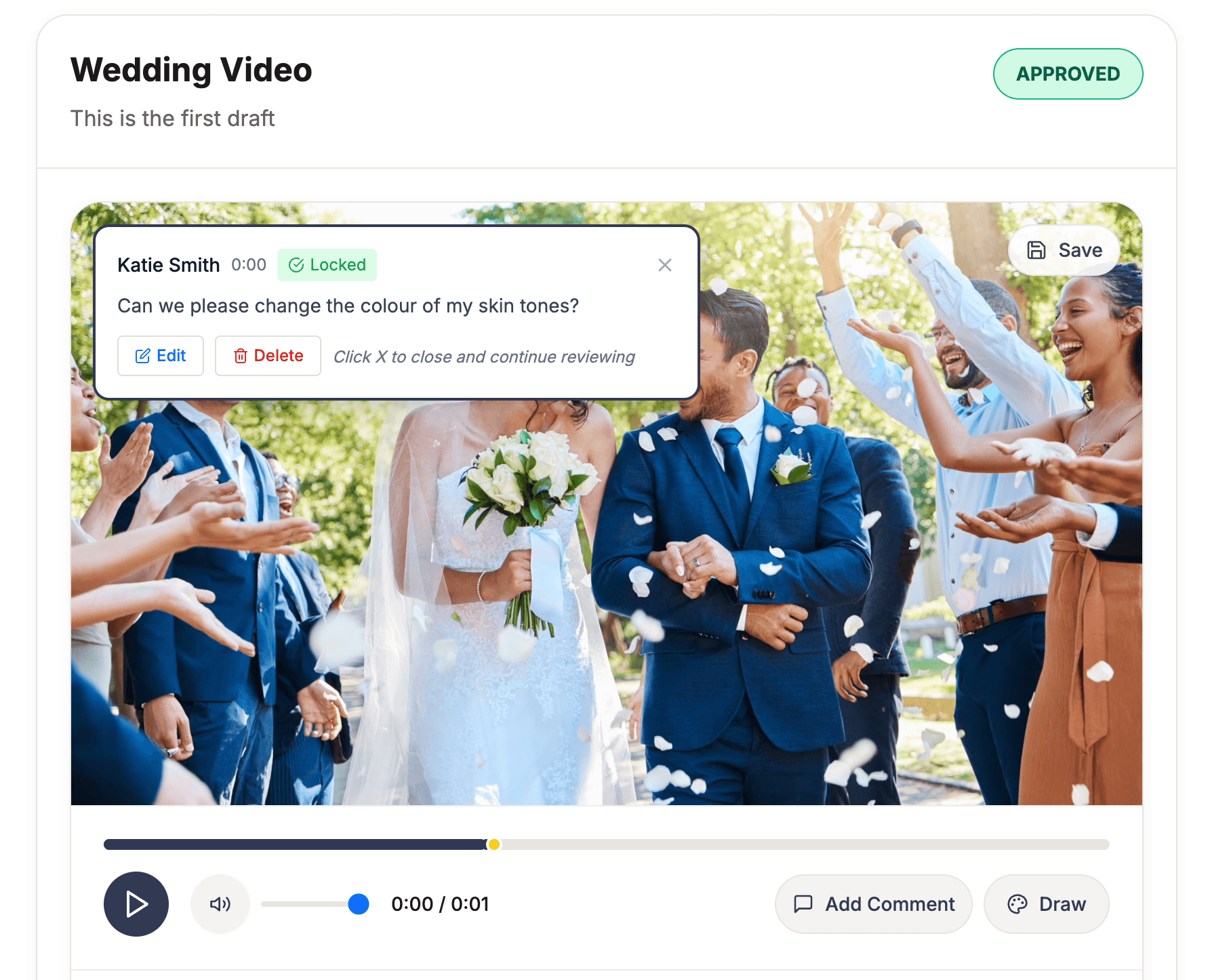
Video Review & Draft Approvals

Share drafts and collect feedback in the portal. Review and approvals stay tied to the project so nothing gets lost.

  • Drafts and feedback in one place
  • Clear approval steps on the timeline
  • Professional delivery when the project is done

Best for: draft feedback and final sign-off

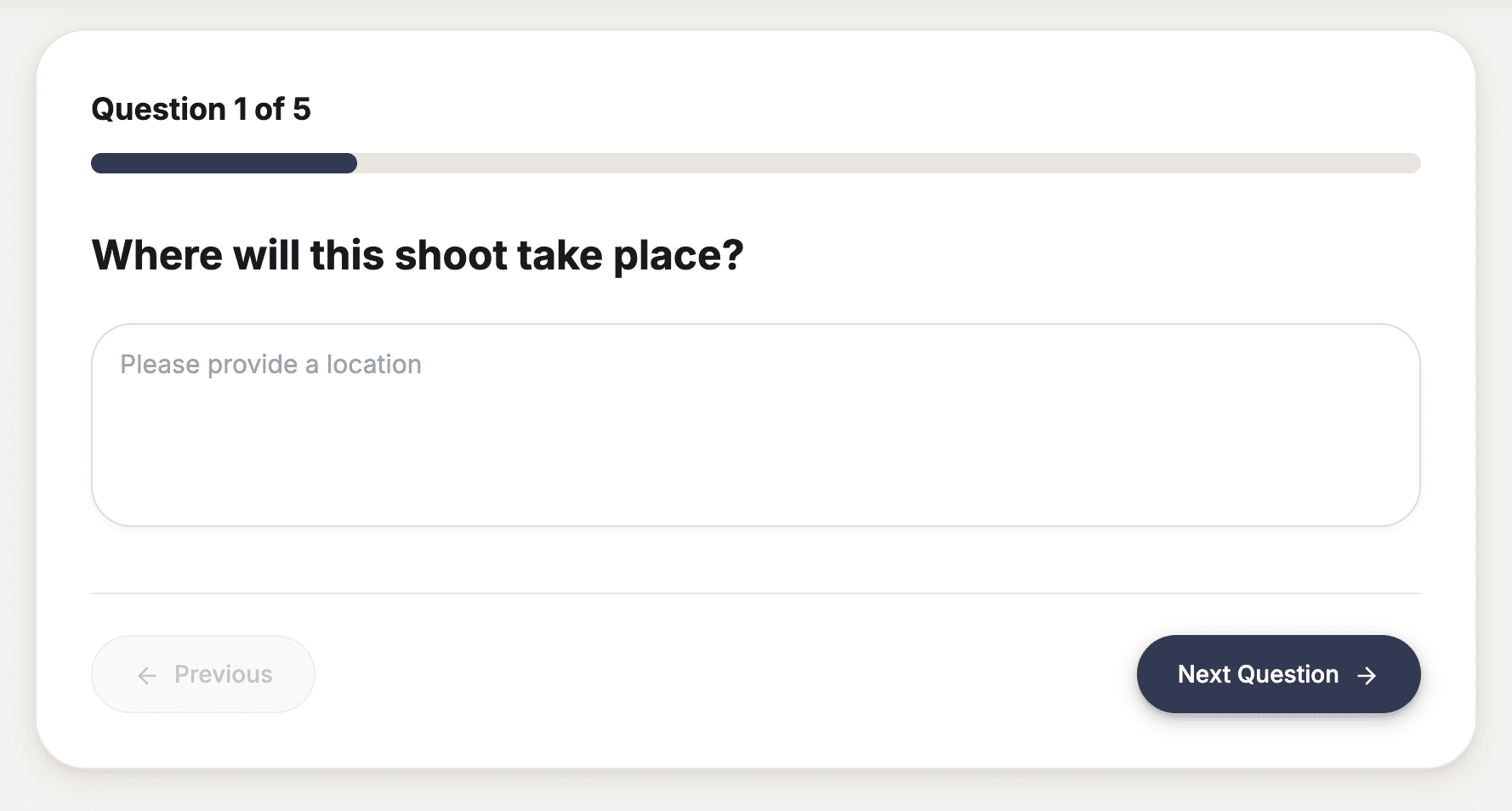
Custom Client Questionnaire

Build project-specific questions so clients share creative direction, goals, and preferences before you start. Responses are saved to the project.

  • Add custom questions per project or template
  • Collect briefs and creative direction in one place
  • Client answers feed straight into the project

Best for: getting a clear brief before production

Invoicing

Create and send professional invoices from the portal. Track status, set payment terms, and keep billing tied to the project.

  • Generate invoices from quotes or from scratch
  • Send via link; clients view and pay in the portal
  • Status and history in one place

Best for: getting paid without leaving the platform

Contracts

Send contracts for signature inside the portal. Terms, scope, and sign-off live with the project so nothing gets lost.

  • Digital contracts with e-signature
  • Signed documents stored on the project
  • Clear audit trail for you and the client

Best for: professional agreements without paper

Quotes

Build and send detailed quotes with line items, deliverables, and pricing. Clients can accept in the portal and turn quotes into projects.

  • Structured line items and totals
  • Convert accepted quotes to projects
  • Pricing and scope in one place

Best for: clear pricing and fast approvals

Calendar

See project milestones, deadlines, and bookings in one calendar. Plan ahead and keep clients aligned on dates.

  • Timeline and delivery dates in one view
  • Bookings and availability in one place
  • Fewer scheduling mix-ups

Best for: planning and hitting deadlines

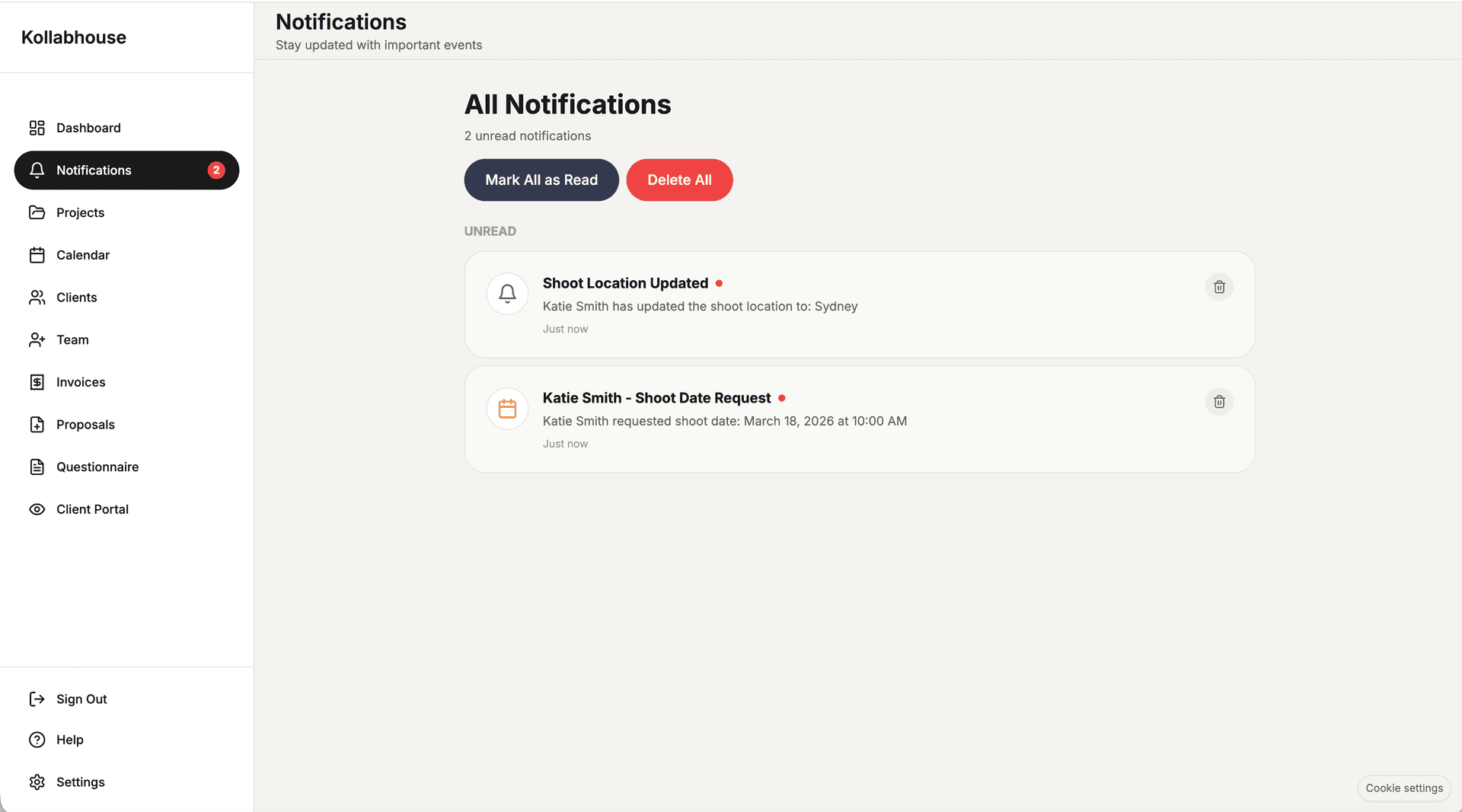
Notifications Centre

One place for project updates, client messages, approvals, and delivery alerts. Stay in the loop without checking six apps.

  • All project and client activity in one feed
  • Filter by project or type
  • Mark read and act from one place

Best for: never missing an update

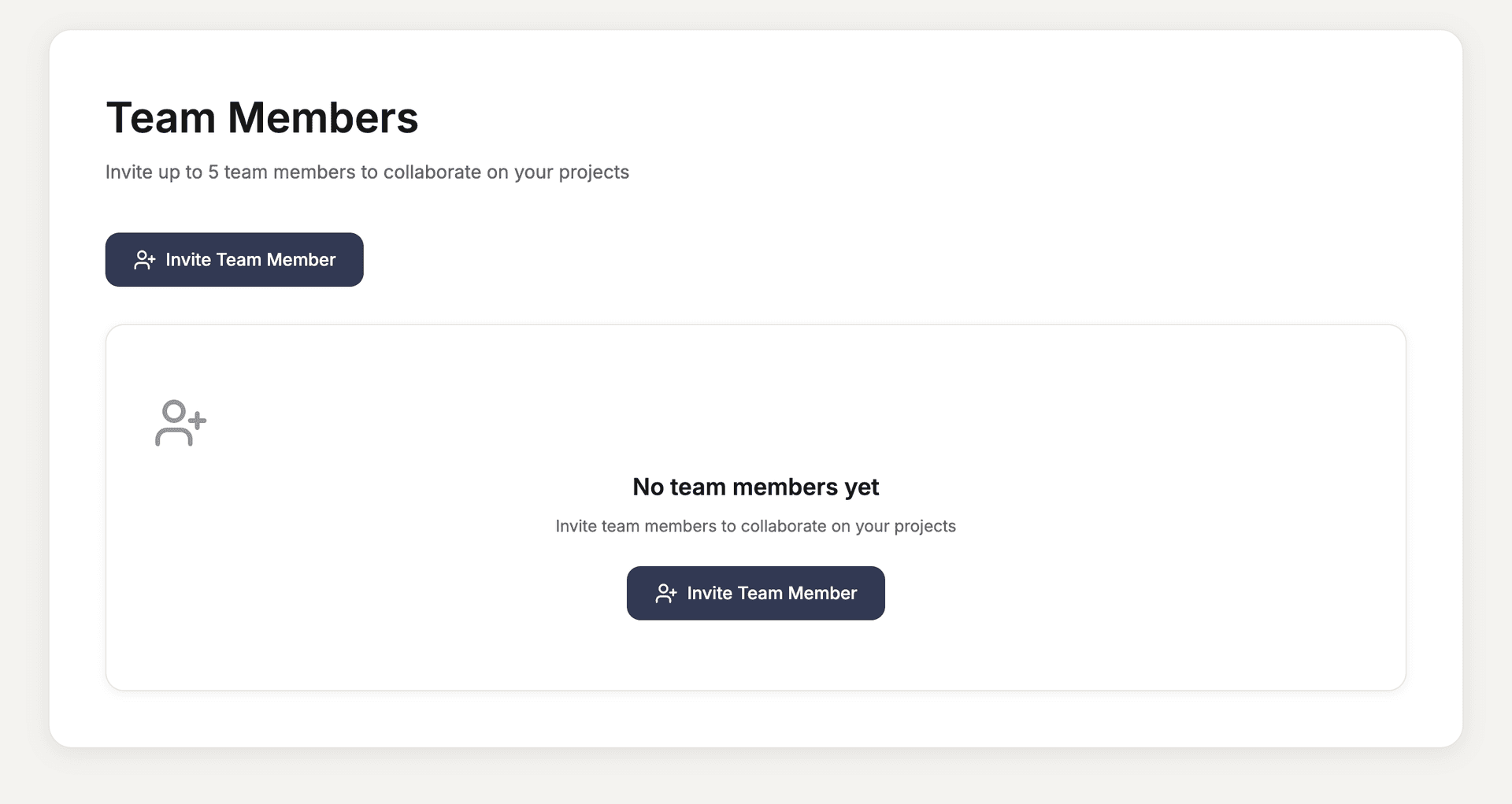
Teams

Invite team members, assign roles, and collaborate on projects. Permissions and access stay under your control.

  • Add collaborators to projects or workspace
  • Control who sees what
  • One place for the whole team

Best for: collaborating without the chaos

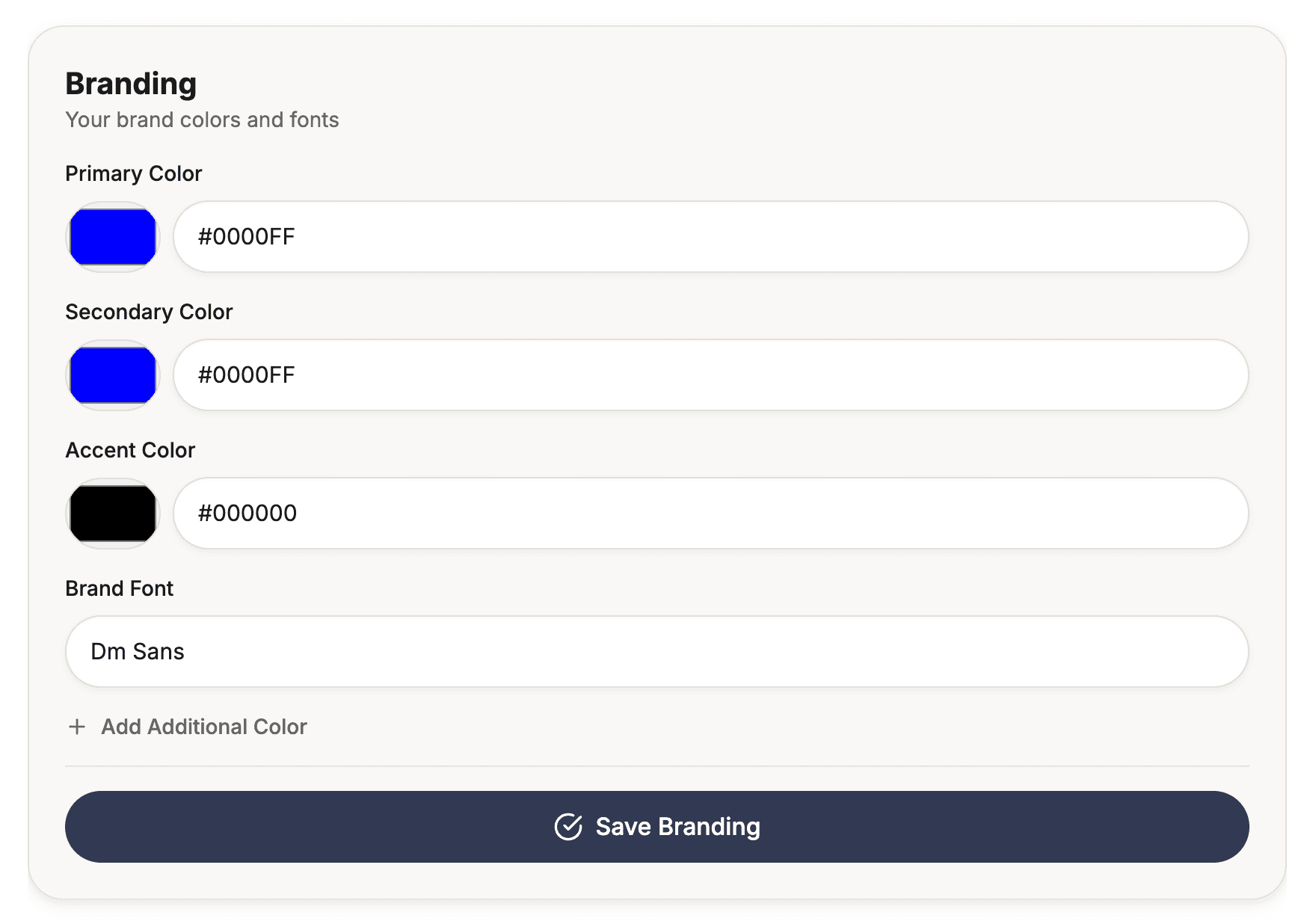
Assets & Branding

Clients upload logos, guidelines, and reference files in the portal. Everything is stored on the project so you have what you need when you need it.

  • Dedicated asset upload per project
  • Brand guidelines and references in one place
  • No more chasing files over email

Best for: having brand assets when you need them

Interactive Workflow Demo

See the full Kollabhouse flow — from enquiry to paid delivery

Loved by videographers worldwide

See what our community has to say about Kollabhouse

Before Kollabhouse, I was sending proposals in one tool, contracts in another, invoices separately, and getting feedback through endless email threads. Having everything in one client portal makes the whole process feel way more professional.

Daniel Harper
Freelance Videographer

The biggest win for me is how much clearer the client experience feels. My clients can view the proposal, sign off, upload files, leave feedback, and keep track of the project without me having to explain everything over email.

Emma Collins
Wedding & Brand Videographer

Kollabhouse makes my business look more organised than it used to feel behind the scenes. It helps me manage client projects, approvals, and payments in one place instead of jumping between Google Drive, email, invoices, and feedback links.

Liam Brooks
Freelance Filmmaker

Your questions, answered

Get quick answers to the most common questions about our platform and services.

See All FAQ's

What can I see on my dashboard?

+

Your dashboard gives you a complete overview of all your projects, upcoming deadlines, pending approvals, unpaid invoices, and recent client activity. It's your command center for managing your entire video business.

How do I organize my projects?

+

Projects are automatically organized by status (Booked, Editing, Review, Completed). You can also filter by client, date, or search by project name. Each project tile shows key information at a glance.

How do I create a proposal?

+

Navigate to the Proposals section and click "Create New Proposal". You can start from scratch. Add your services, pricing, video examples, and terms, then send it directly to your client. There are detailed videos inside of Kollabhouse once you sign up.

Can I include video examples in proposals?

+

Absolutely! You can upload video examples directly in your proposal to showcase your work. Clients can watch these examples right in the proposal without leaving the page.

What happens after I send a proposal?

+

Your client receives a link to view the proposal. They can review it, ask questions, and accept or decline. Once accepted, the proposal automatically converts into a project in your dashboard.

Ready to run your projects in one place?

Start a free trial and set up your workspace in minutes.